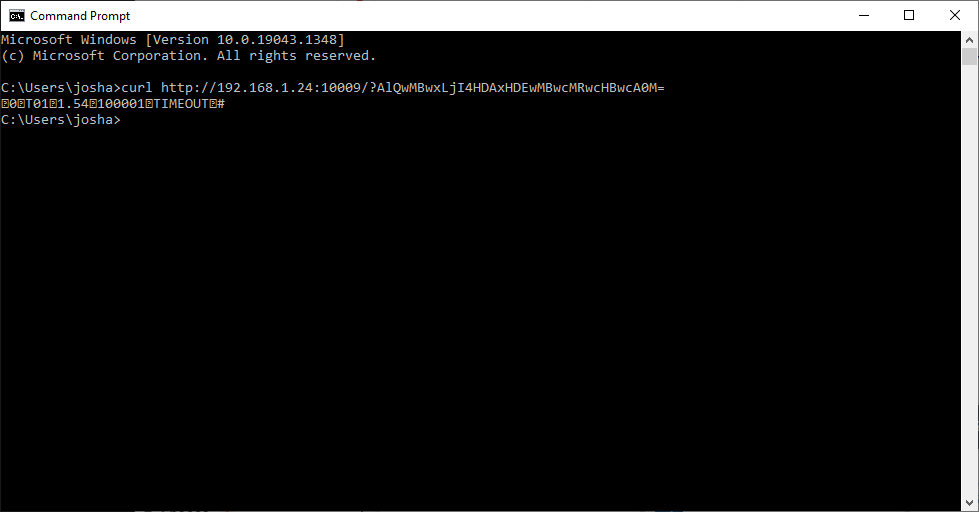
You first need to make sure that your terminal is set to HTTP for ECR communication. Please review PAXStore or QRG for more information on how to confirm your connection settings. You will also need to make sure that either the workstation and terminal are on the same network or have some other service that allows network translation for you to connect to the terminal from a browser. Postman has a web site that you can run commands from or you can install it as a local application. /cURL is an old command shell service that you can install and run from a DOS command.
You can use one of the following test transactions for your test. You will need to change the IP address to the IP of the PAX terminal.
Initialize
http://192.168.2.100:10009?AkEwMBwxLjI4A0s=
$1 Credit Sale
http://192.168.1.24:10009/?AlQwMBwxLjI4HDAxHDEwMBwcMRwcHBwcA0M=
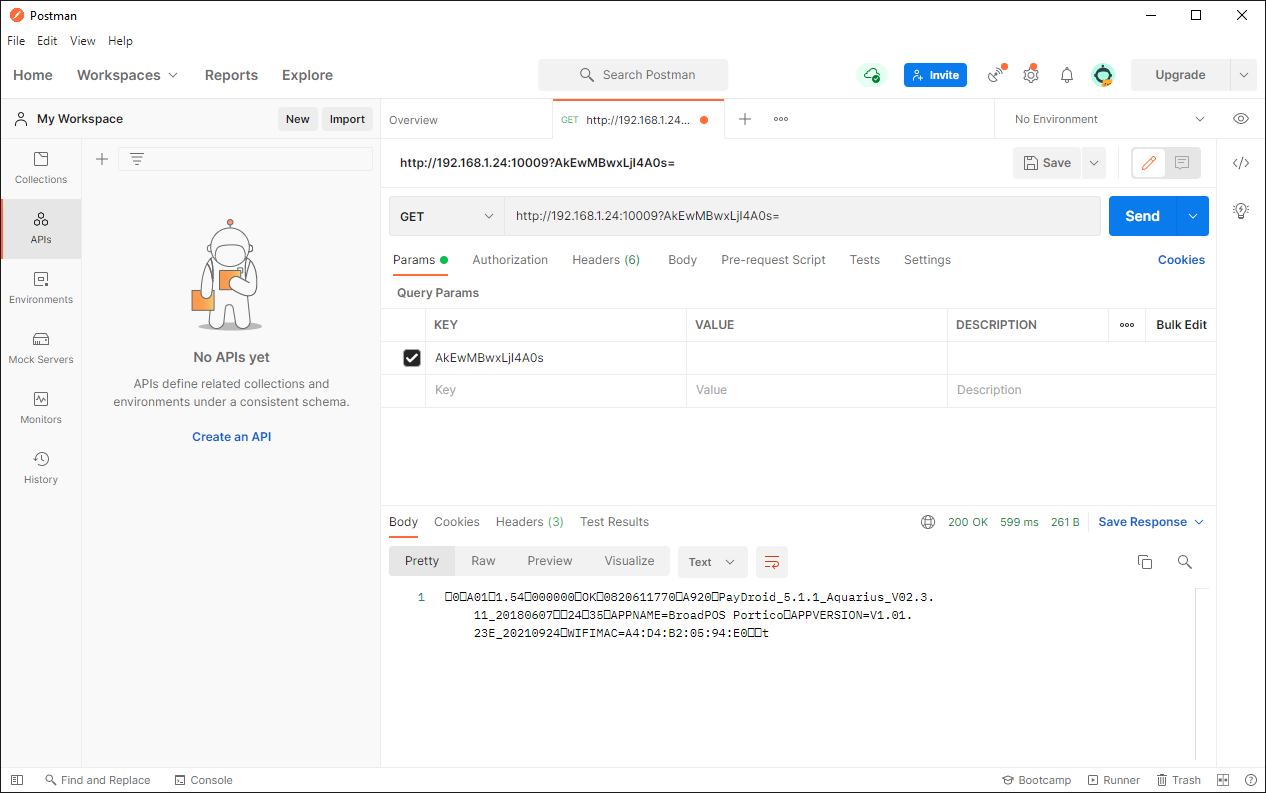
Testing via Postman
Open a new Workspace and select HTTP Request.
Set your Command type to GET
Copy one of the above commands and place it into the request URL field and press Send
Your terminal should respond with either application details or asking for a card to run a $1 sale transaction.
Via cURL
Open a CMD prompt on your workstation.
In the command line type curl and one of the two commands listed above.
Your CMD window should see a response from your terminal.